


Activity GraphNew in v10
A record’s history as a GitHub-style activity graph, built from the audit log, activities and notes, by day, week, month or year. Click a square to see who changed what, field by field.

Selected work
Open-source components, award-winning solutions and integrations built for legal and business teams on Microsoft Power Platform, Ironclad CLM and Azure.
★ FlagshipOpen source · MITv10.0.0
Twelve Power Apps Component Framework controls that make model-driven forms feel like modern software. Built to solve real problems in legal operations at Amadeus, and free for anyone to use, anywhere.
Dropdown, LookUp, Multi Choice and Yes/No share one field look with the same chips, heights, colours and tooltips, so a form feels designed, not assembled.
Every component picks up the font of your model-driven app’s modern custom theme, with graceful fallbacks.
Read-only is enforced consistently: locked fields, business rules, inactive records and column-level security.
Keyboard navigation throughout, and colours automatically darkened until text meets WCAG AA contrast.
A record’s history as a GitHub-style activity graph, built from the audit log, activities and notes, by day, week, month or year. Click a square to see who changed what, field by field.
Many-to-many relationships as removable pills with live search, per-record icons and context lines. Tick to relate, remove to unrelate, instantly.
Choice fields with colour coding, 1,800+ icons from each option’s External Value and flexible sizing. The selected option is shown as a tinted chip.
A searchable, type-to-filter lookup over live Dataverse records, with per-record icons or pictures and a context line under each name.
Multi-select choices as coloured, removable pills with icons, description search and an Autofit sort that packs selections into as few lines as possible.
Nine modern styles for Yes/No fields, from toggle and labeled switch to segmented, status chip and icon button, with custom icons and colours.
Replaces a dropdown with a row of clickable icon tiles, one per option, in several sizes, shapes and colour modes.
Turns a self-referential lookup into the full ancestor/descendant tree (e.g. MSA → SOW → Amendment), with live Quick View panels on every row.
Plot and visualise risk items by impact and probability on configurable grids, with custom labels, colours and sizes.
Up to five one-click buttons that set form fields, with Power Automate-style expressions like utcNow() and me(), including lookup and multi-choice targets.
Replaces a subgrid with a tabbed PDF viewer: one tab per related document, rendered in the browser’s native viewer with open and download actions.
Polished, Markdown-formatted help text right on the form, with tables, alert callouts, task lists, colours and dynamic field tags.
One solution file contains all twelve components: managed for production, unmanaged for development.
More work
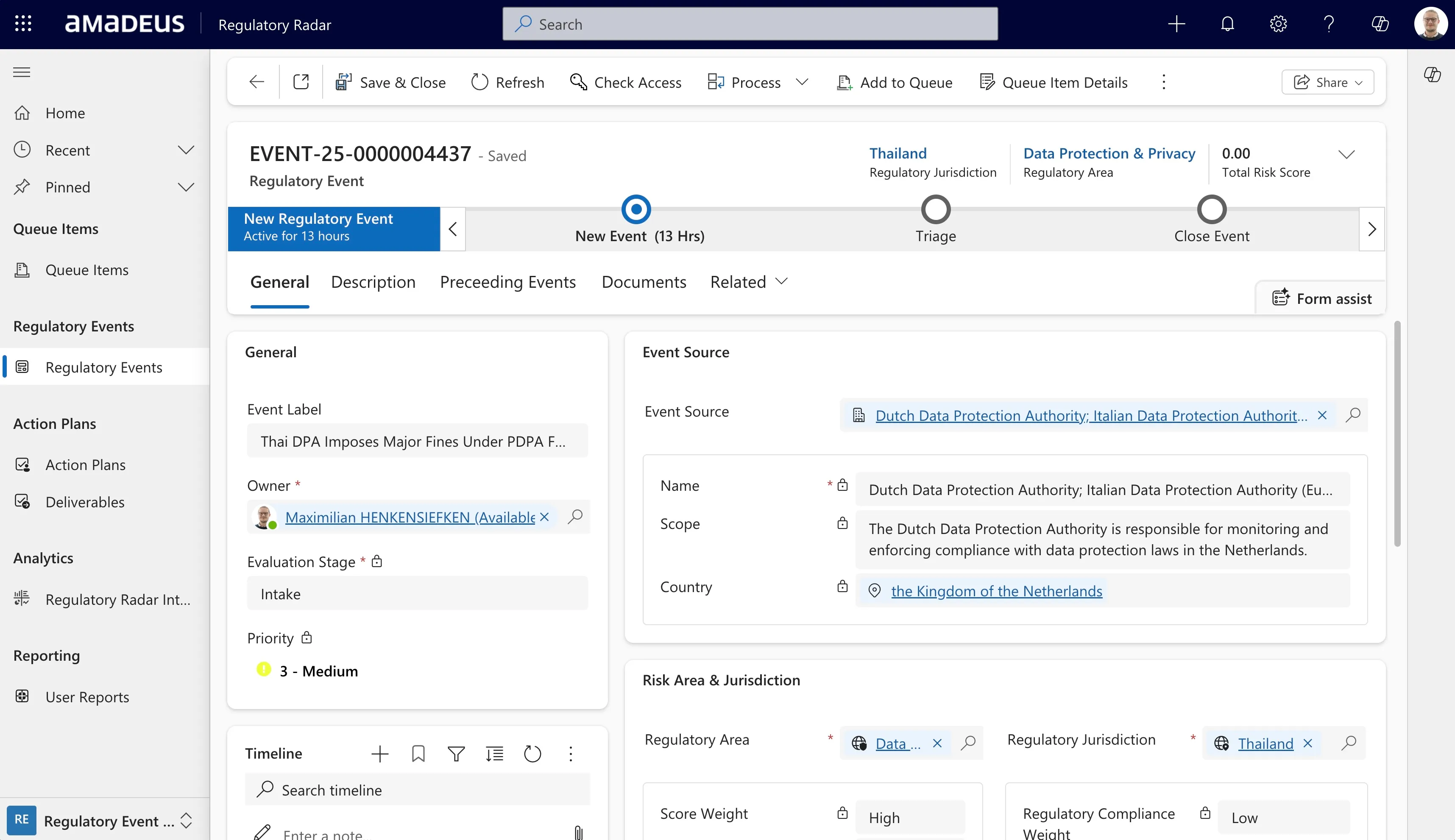
A Power Platform solution that captures regulatory and news events from internal and external sources (emails, news APIs, RSS feeds) and processes them with GPT-5.
News is consolidated into coherent stories and risk-assessed against the company profile; identified risks are routed to the right audiences and into reporting. Regulatory events are reviewed by subject-matter experts who define the action plans.
Approval to open-source the solution has been granted, and it will be published on GitHub in 2026.
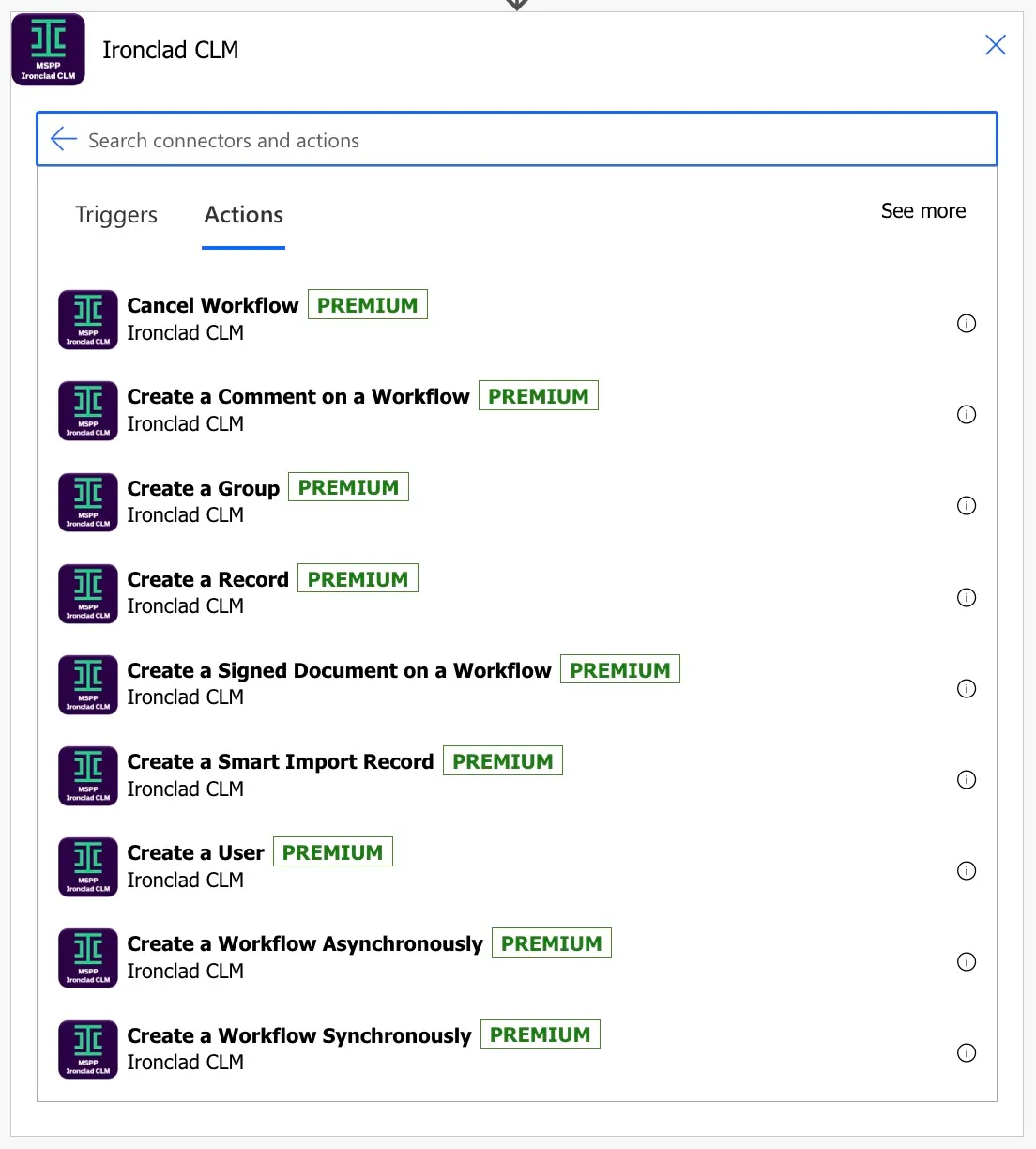
A Power Platform custom connector for one of the world’s leading CLM platforms, covering all of its API paths, with over 4,500 lines of dynamic schema so Power Automate parses actions dynamically for the best maker experience.
Pending publication as an independent publisher connector.
View on GitHub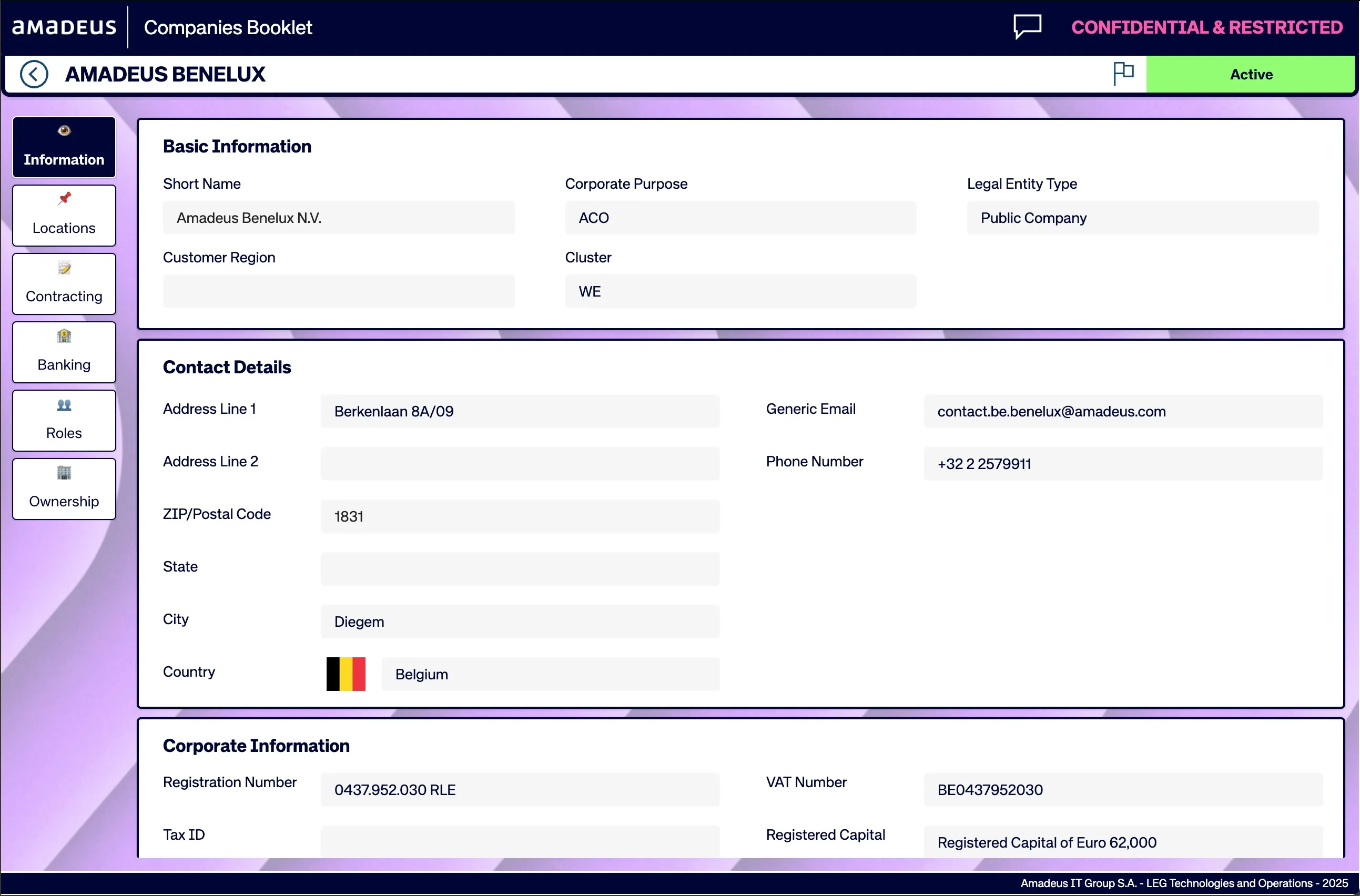
The Amadeus Companies Booklet: a canvas app that lets internal users browse group entity information from a Master Data Management solution and trigger corporate information requests.
Find anything from entity addresses, signing and banking powers to board members and entity relationships.
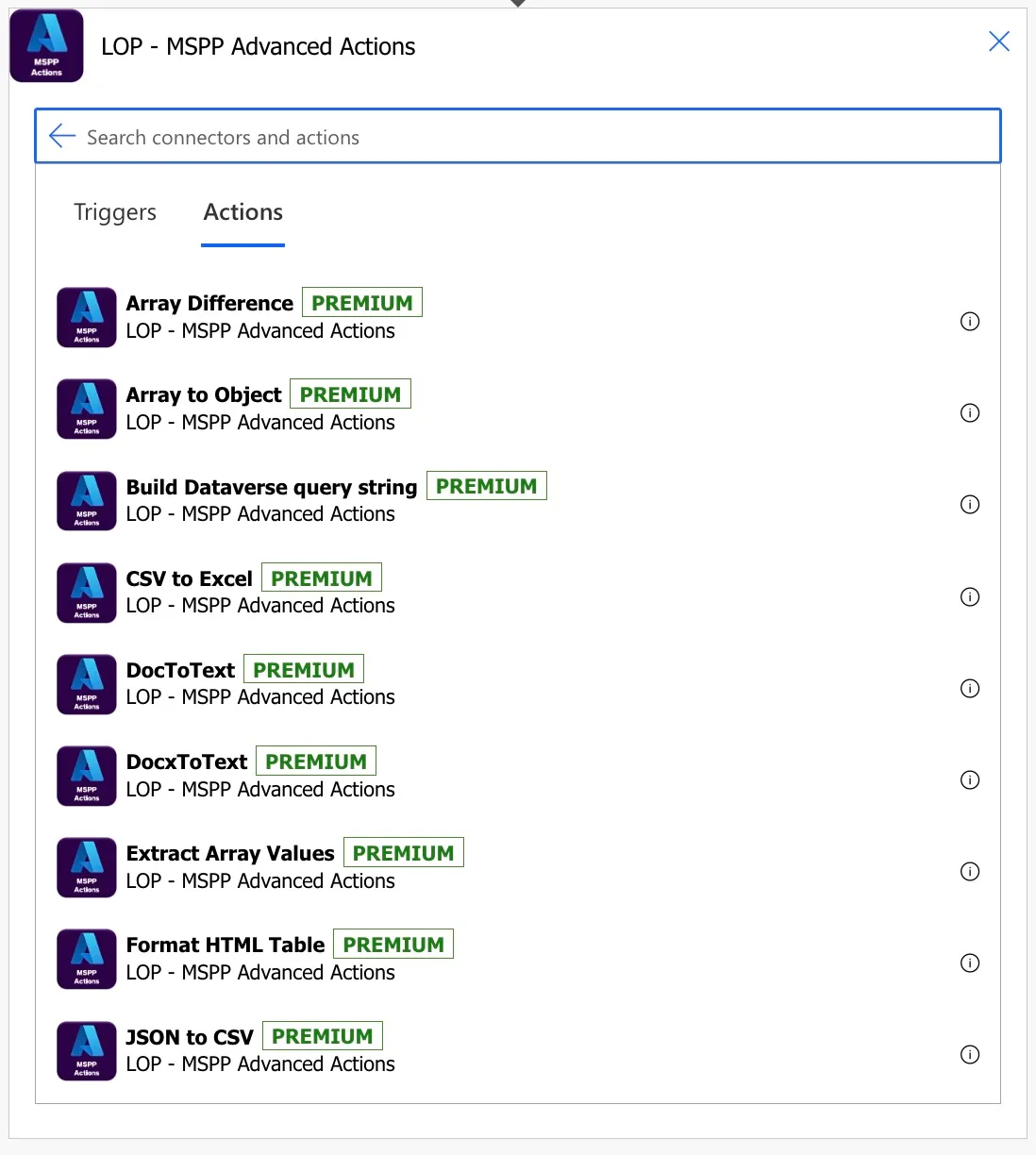
A collection of Azure Functions, exposed to Power Platform through a custom connector, for common jobs Power Automate can’t do out of the box: